The Tablet by the Door Is a Record, Not a Camera
 ··7 min read

The Wi-Fi in Building A drops at 07:40. Tomasz still has to be at his desk at eight. He taps his fob on the tablet by the door. The screen says he's in. Nothing reaches a server until 09:12. If the punch that eventually lands is stamped 09:12, the tablet was theatre. If it is stamped 07:58, the tablet was a clock.
Most "time clock" products are selling something else. They sell a camera, a GPS fence, a buddy-punching white paper. The actual job of the device by the door is narrower, and harder: write the same attendance record a phone would have written, at the instant a person stood in front of it, even if the building's network is having a morning.
Two products pretending to be one
The category has split, and the split is why a front desk ends up buying the wrong thing.
Workforce-management vendors treat the kiosk as an anti-fraud terminal. Face scan, geofence, photo on punch, a dashboard of "time theft." The 2026 roundups still rank tools this way. The buddy-punching posts, the GPS-for-field-teams guides, the facial-recognition kiosk pages: they all start from the assumption that the person at the door is trying to cheat, and the hardware is there to catch them.
Visitor-management vendors treat the same physical object as a security product. Pre-registration, badge printer, watchlists, host SMS. A second iPad, a second contract, a second log of who was in the building. The reception desk already had one tablet. Now it has two, and neither of them is the system of record for the people who work there.
An HR system that already records clock-in, breaks and clock-out does not need a third product for "the tablet in the lobby." It needs the tablet to be a remote control for the record it already keeps.
Identity without a camera
Buddy punching is real. It is also a credential problem, and a camera is a very expensive way to pretend you solved it.
A physical card is the boring answer and the good one. One active card per person. Enrolling a new one retires the old one. A card still assigned to a colleague is refused, not overwritten. The server stores a SHA-256 of the number, not the number, so a lost fob is retired by assigning another. The roster the tablet downloads does not include card values. Identification is a lookup, which means a copied employee list is not a copied set of credentials. Offline, a tablet that has already seen a card can still match it; that is the trade for keeping the door working.
A phone badge is the other honest answer, for people who do not carry a card. It has to rotate. A static QR taped to a laptop, or a screenshot in a group chat, is a credential that never expires. Five minutes is long enough to walk from a desk to the door and short enough that a photograph of someone else's screen stops working before lunch. Offline, a rotating badge cannot resolve. The tablet has not seen this code before, by design, so the card, or a supervisor standing there, is the fallback when the building is dark.
Assisted punch is the third method and the one the anti-fraud posts skip. A supervisor clocks someone from the tablet's own admin console. It works offline. It is slightly annoying, which is the point: the exception is visible, named, and in the same ledger as every other punch. You do not need a face model to know that Marta punched Tomasz in at 08:02.
What you do not put on the tablet: a camera pointed at people who came to work. The lens that is there reads a pairing code or a badge. It does not record a face. Biometric time clocks are a compliance product of their own. Several US states treat a face template as a special class of data, and an EU office already has enough article 9 conversations without adding one at the door. A time clock that needs a face is a different product. It is not a better attendance record.
The tablet is the only witness
This is the design decision everything else hangs on.
When the network is up, a phone clocking in can ask the server for the time. The recorded instant is the server's, so a laptop with a wrong clock cannot move a punch. The working-time post is built on that rule.
A kiosk that queued eight hours of punches and then stamped them all with the moment the link returned would produce a day of two-minute shifts. That is not a record. It is a confession that the device was a cache, not a clock.
So the tablet's recordedAt is the time. Substituting the server's clock would defeat the one capability an offline kiosk exists to provide.
What is not trusted is a clock claiming to be five minutes in the future, or three days in the past. Inside that band the claim stands. Outside it, the server writes its own time and raises a review item that quotes what the device claimed. The original claim is kept, so a human can reverse the substitution. The band is a property of how physical clocks drift, not a per-workspace policy someone will set to zero and then wonder why Monday's queue is empty.
The rest of the attendance model does not change. Punches are still immutable. A correction is still a request, not an edit. A kiosk punch that does not fit the shift (clock-in while already in, clock-out with no shift) lands in the same review queue as a missed break, with a reason a manager can read.
Visitors and parcels are the same two square metres
Reception already knows who is in the building and who signed for the DHL bag. Putting that on a different iPad means the answer to "was the contractor still here at 16:00?" lives in a product your HR system cannot see, and the answer to "who took Tomasz's laptop charger" lives in a paper book.
That second product is a badge printer, a watchlist, and a pre-registration email. If you run a building that needs those, you already know. Buying it to learn what time someone arrived is the wrong purchase.
The tablet on Google Play does not sign guests in, and it does not log parcels. Those screens stay off. What you install is the attendance record.
What this is not
It is not GPS. Field teams that must prove a job-site punch want a geofence; a lobby tablet is the opposite shape. It is not a timesheet. Presence and project hours are different records, and clocking out never fills in Friday's grid. It is not payroll. The kiosk writes when someone was in the building. What that means for pay is still the file you send your accountant.
And it is not on by accident. The kiosk module ships off, and the switch stays disabled until Attendance is on, because a tablet with no punch ledger is just a visitor book with extra steps.
Where SquadBear keeps this
The Android app is SquadBear Kiosk on Google Play. Pair it to a workspace that already has Attendance and Kiosk on.
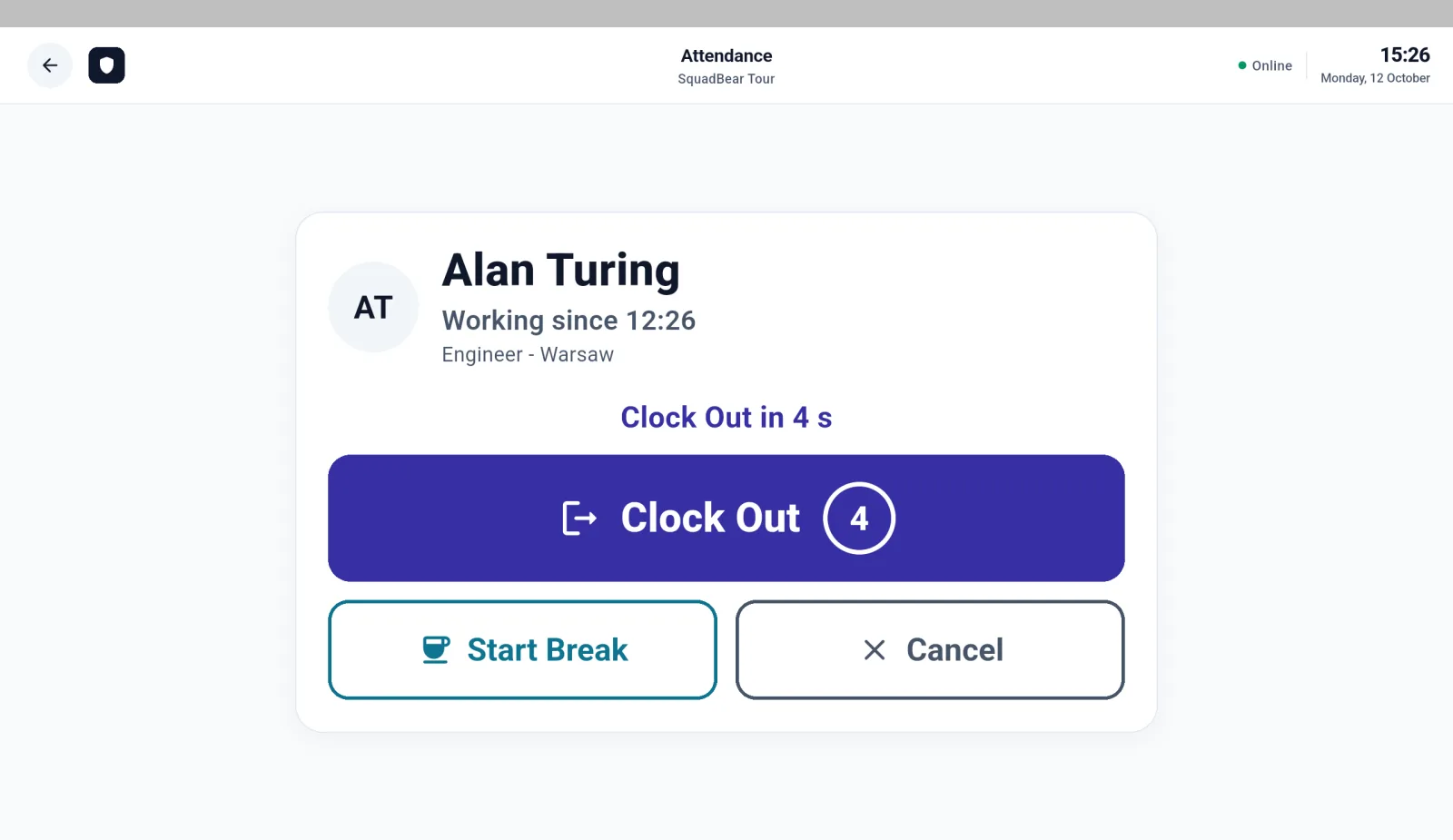
Settings → Modules turns Kiosk on. The switch stays disabled until Attendance is on. Settings → Kiosk devices is pairing: a code and QR, valid ten minutes, the secret shown once. Name the tablet and its location on the device. An admin sets a six-digit PIN at pairing and can change the name and location later.
People identify themselves three ways.
- Card (NFC). Enrolled from the tablet's admin console, one active card per person. Works offline on a tablet that has already seen it.
- Badge (QR). Attendance → Clock → Show my badge mints a code that lives five minutes and refreshes after four. Needs the network.
- Assisted. A supervisor punches from the tablet. Works offline.
The uplink can die. Punches queue on the device and flush with the time the person stood there. A claim more than five minutes ahead of the server, or more than 72 hours behind it, is rewritten to server time and raised in Attendance → Attendance review as an implausible device clock, quoting what the tablet said. Revoke a device before you purge it, and flush the queue first. Revoke answers 401 on the next request. Purge deletes the device and keeps the punches.
If you'd rather not walk over:
"Show me the open attendance review items raised by system rules and flag any with an implausible device clock."
The kiosk guide is the pairing and credential reference; using the clock is the phone-side twin; attendance review is the queue those implausible clocks land in.
Start free and pair a spare tablet this afternoon, or open the demo and clock in as somebody who does not have a phone in their hand.
Related reading: working-time records under EU law, which is the record this tablet is writing, and surveillance-free timesheets, which is the other clock: hours against work, not presence at a door.